Shh... Quick Attendance,
No Noise
Please
Revolutionize how you track your class attendance with smart, simple and easy-to-use features.

Revolutionize how you track your class attendance with smart, simple and easy-to-use features.


to create or upload subjects' list
to mark attendance for any day
to see attendance percentages
Create your list of subjects in the Schedules page. You can also upload one from your files.
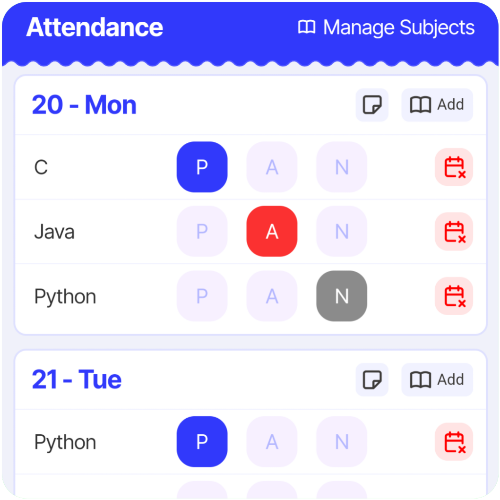
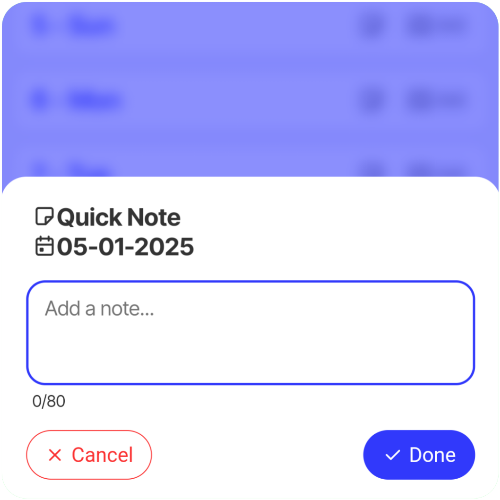
Once the subjects are set up, navigate to the Calendar page to mark your daily attendance. You need to visit this page daily. You can also add quick notes or introduce new subjects for any specific date as needed.
View attendance statistics on the Stats page. Check subject-wise percentages to monitor your progress effectively.
Your attendance is securely saved to the cloud. Please wait ~2 seconds after making any changes for the sync to complete.
If your class schedule changes, you can modify or add new subjects for specific days while keeping your existing data intact via the Schedules page.